Start with
a character.
This is ba. One character is enough to begin. Get to know Baybayin through guided lessons and reading practice.
A little curiosity goes a long way.
Learn to read. Learn to write. Find a little of yourself.
Meet Baybay, your pocket companion for learning Baybayin. Explore Filipino script through lessons, playful quizzes, and a canvas for your own words.
Get Baybay for AndroidScroll through a little of what you can learn.
This is ba. One character is enough to begin. Get to know Baybayin through guided lessons and reading practice.
A little curiosity goes a long way.
A kudlit above ba changes its vowel sound to bi or be. Notice the details, then put your learning to work with quizzes and memory games.
Take your time. Make it familiar.
Characters become words, and words become something personal. Explore transliteration and create digital posts in Baybayin Canvas.
See what is inside the appThis update fixes an issue where the canvas info slider could not be interrupted with swipe gestures. It also resolves orientation issues on certain screens.
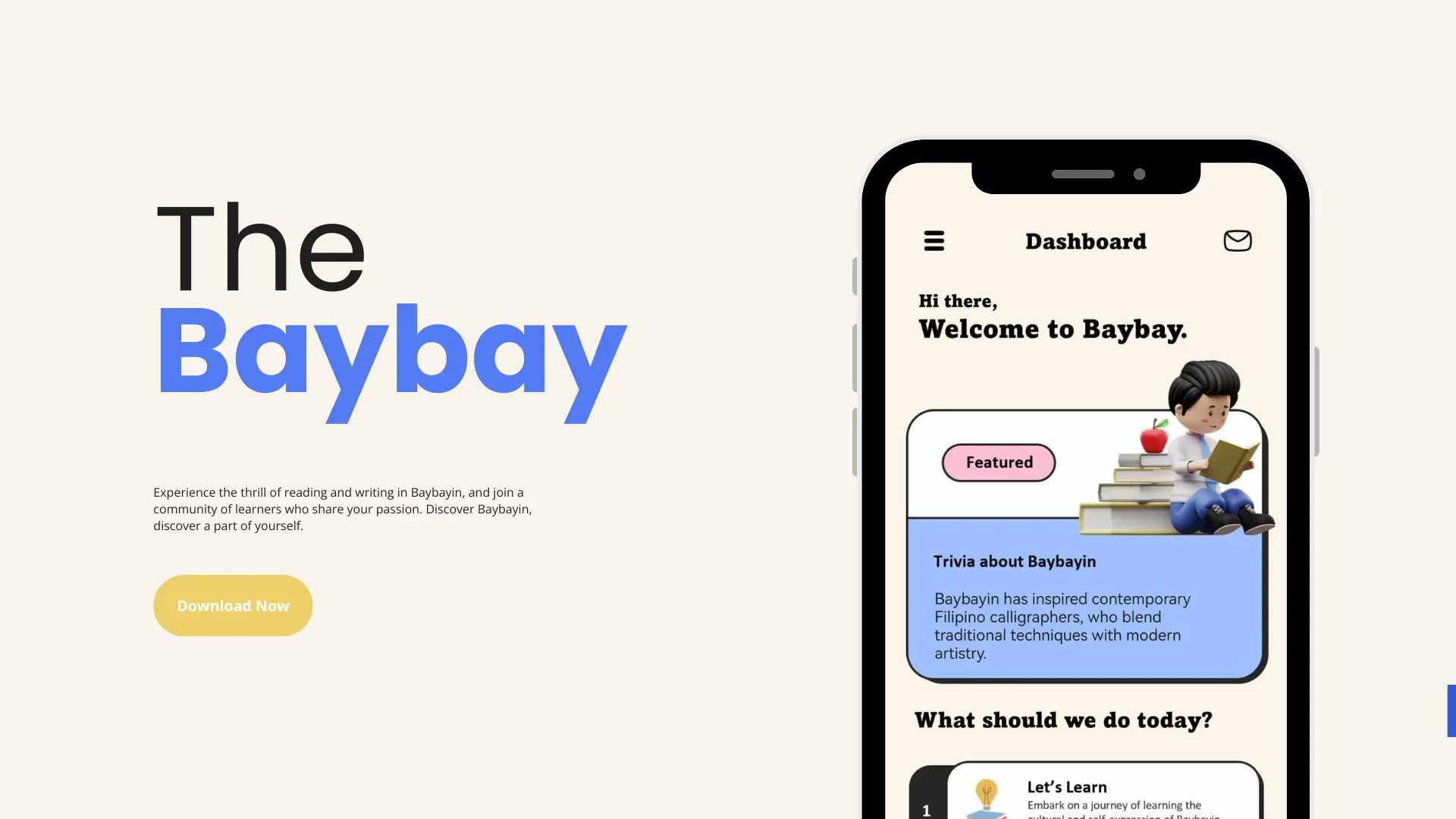
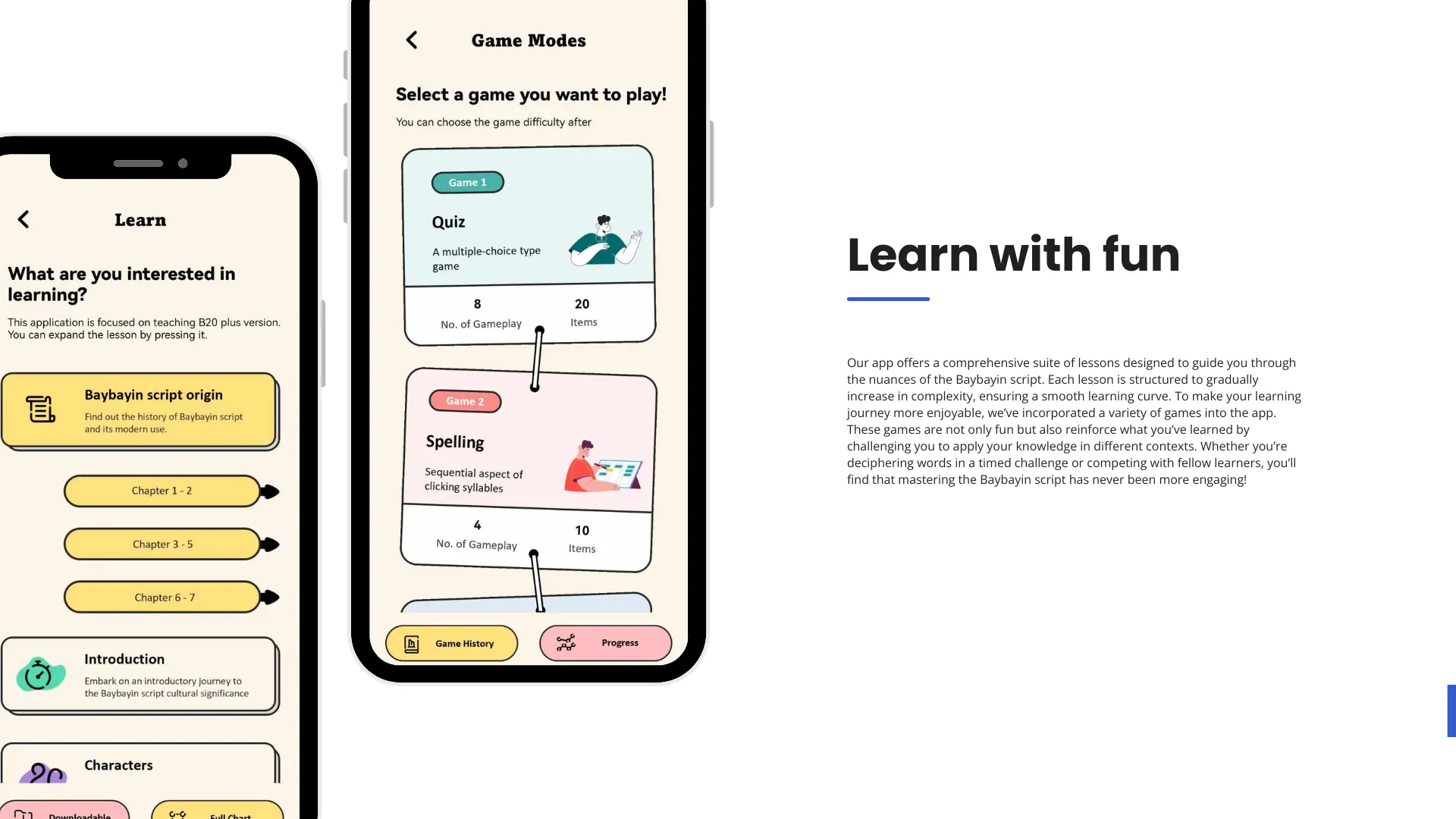
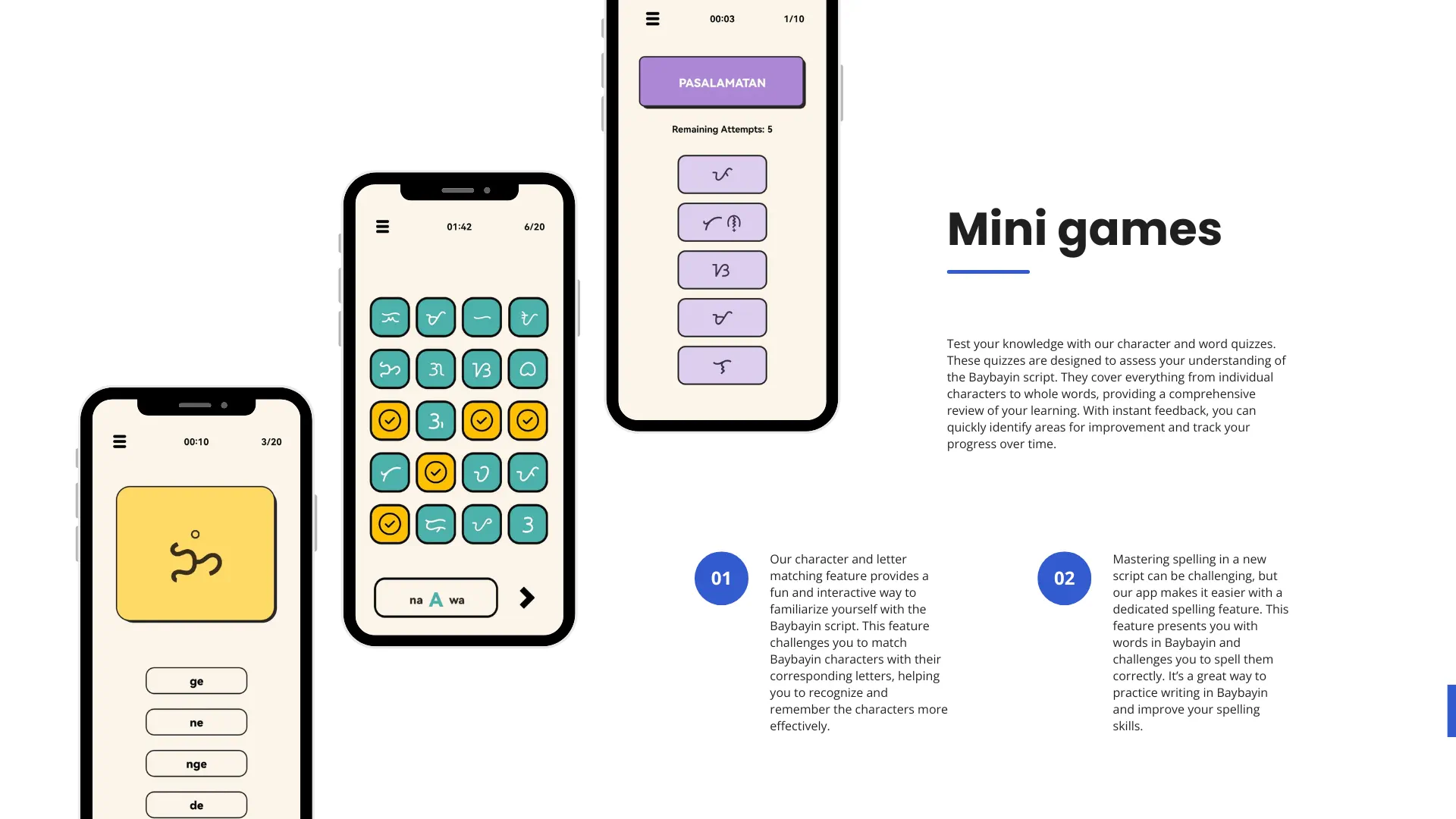
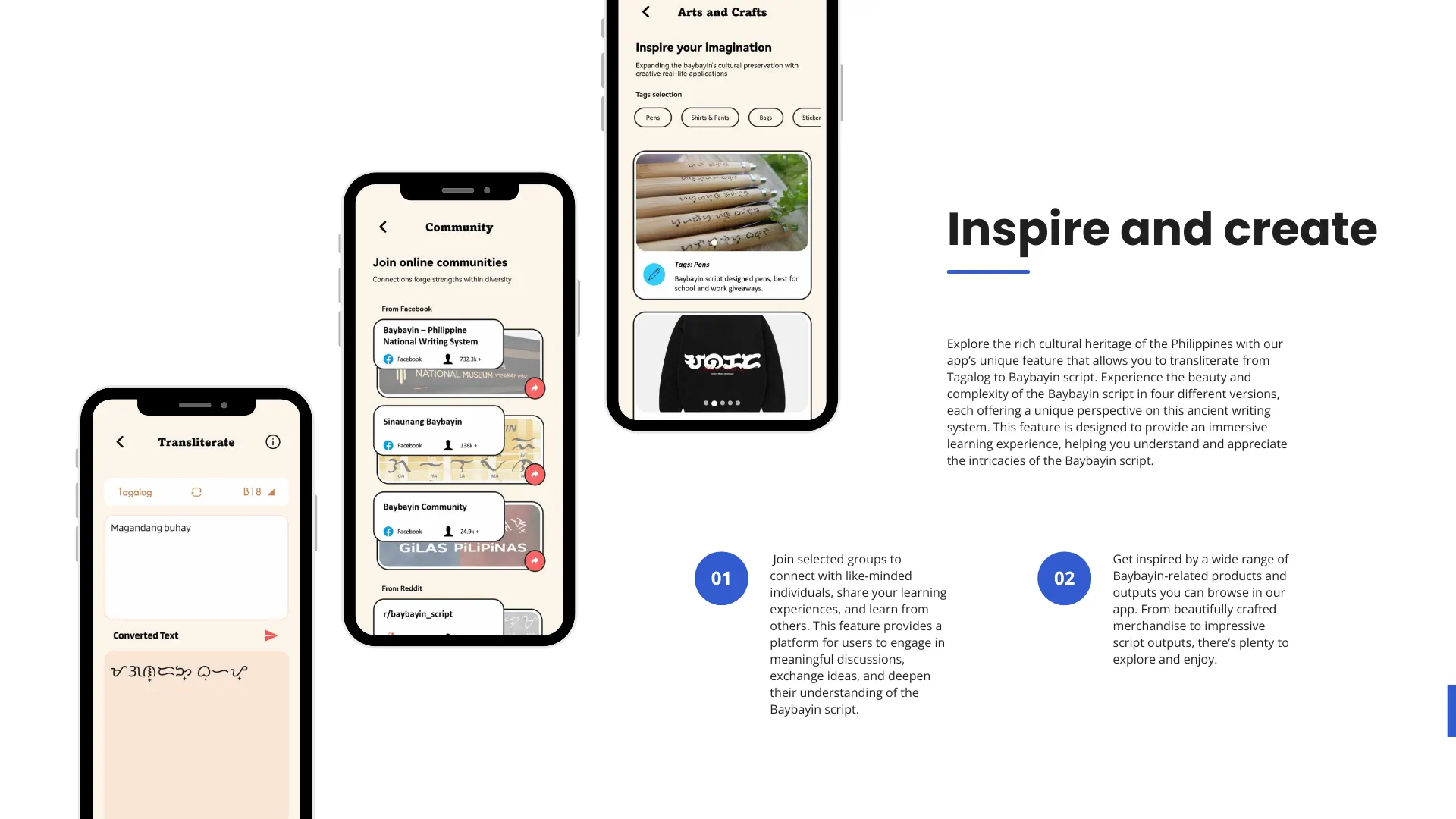
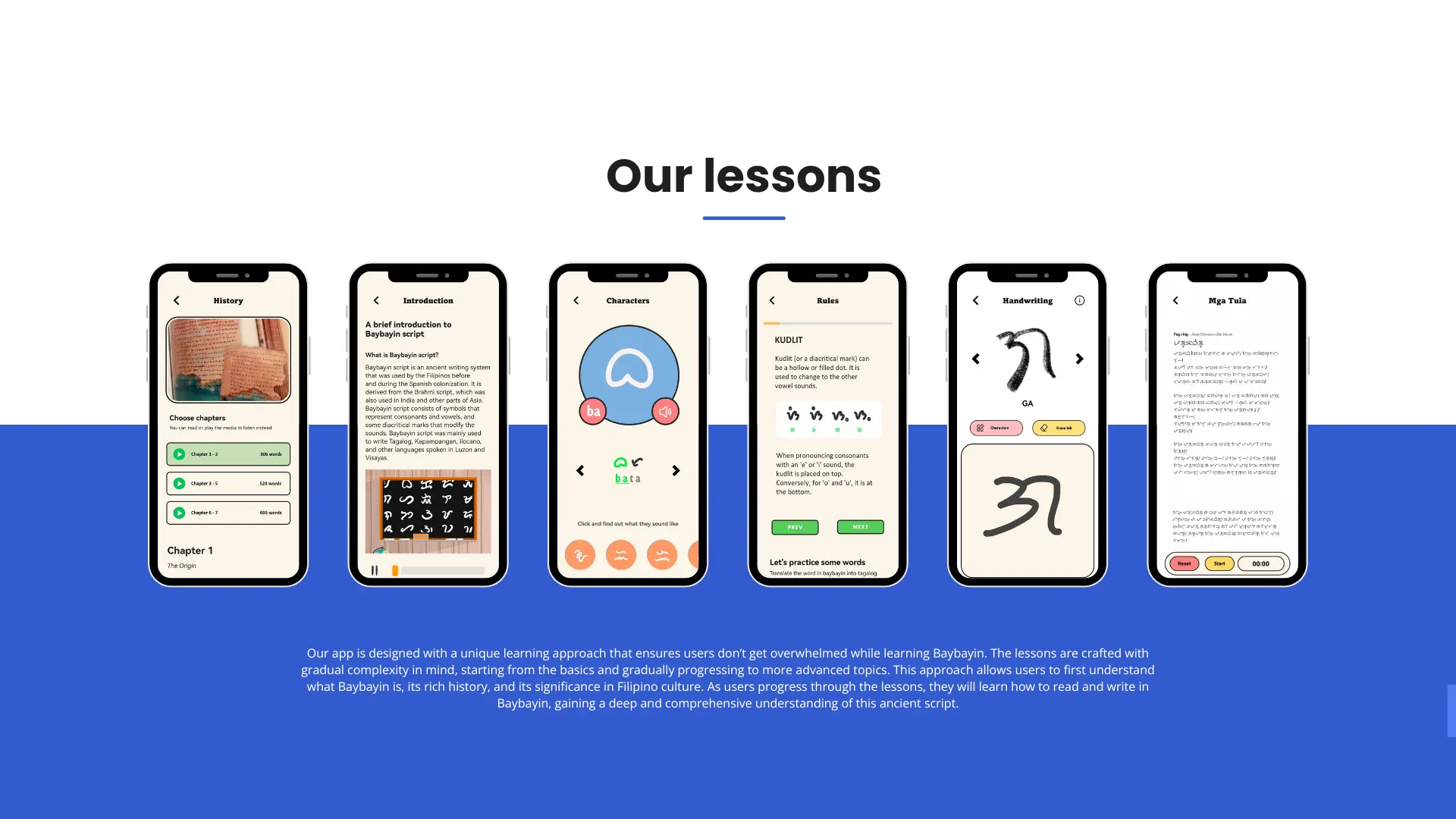
Baybay was made to help learners understand and practice Baybayin in a more approachable way, especially students and first-time learners. It combines lessons, quizzes, and memory games so you can study at your own pace.
The app also introduces B20+, a modern Baybayin variant, while keeping the script’s cultural roots in focus. The goal is simple: help more people read, write, and appreciate Baybayin.
Baybay was developed as a school project and is shared as-is. Active development has ended, so some features may behave differently across devices. Thank you for trying the app and supporting the project.
Baybay respects your privacy. This policy explains what permissions the app uses and how third-party services are handled.
What the app accesses, why it needs it, and the choices you have.
We do not collect personal data. The app may request access to the following device features to support core functions:
Baybay does not store personal data on its own servers and does not sell data to third parties.
We use Google Firebase for push notifications. Firebase may process limited technical identifiers (such as device tokens) to deliver notifications. We do not directly access or store this data. See the Google Firebase Privacy Policy for details.
Because we do not collect personal data directly, Baybay does not keep personal profiles on its own servers. Requested permissions are used only for app features.
Because Baybay does not collect or store personal data directly, requests for data access, correction, or deletion generally do not apply. You can revoke permissions through your device settings at any time.
Baybay is an educational app and may be used by learners of different ages.
A few recent updates from the project. Earlier releases are kept below for reference; older downloads are no longer available.
Now you can quickly view your downloaded canvas quotes in your gallery. No more picture hunting in your files.
Added more font style options in Baybayin Canvas.
Added Baybayin Canvas, a feature for creating digital posts.
Improved speech recognition integration.
Added speech-to-text input and fixed minor bugs.
Added transliteration for the B18+ Baybayin variant, adjusted gameplay history limits, and improved separator formatting.
Added Firebase Cloud Messaging to improve app functionality.
Added sound effects to the full chart module, fixed Learn module submenu arrangement, and added Firebase Analytics.
Added a progress indicator and swipe gestures in Lesson: Rules, reorganized Lesson: Introduction, and fixed minor bugs.
Added a new "About App" section and fully implemented dynamic theme selection in Settings.
Background music and theme color selection is now available.
Addressed minor linguistic adjustments. Also, redesigned the settings dialog.
Addressed minor linguistic adjustments based on user feedback.
Direct link to check for latest app version.
Gameplay voice clips update and quiz scoreboard fixes.
Legacy texture update completed.
New sound manager service.
Added narration on Lesson: Baybayin Origin.
Full UI overhaul and added new features.
Fixed guide sub menus; can be pressed more than once.
Added new content in Lesson: Rules.
Game: Matching fixes and new app icon.
Added new content in Lesson: Rules.
Added toast pop-up cancel event.
The people, tools, and resources behind Baybay. Open a category to see its credits.
This app uses short audio excerpts from YouTube for non-commercial educational use under fair use.
This app includes selected reference images for non-commercial educational use under fair use.